Make Nice Forms with AI
Describe what you need. Publish it as a conversational form in minutes.
No credit card. No code. Mobile-ready.
One builder for every conversation that matters
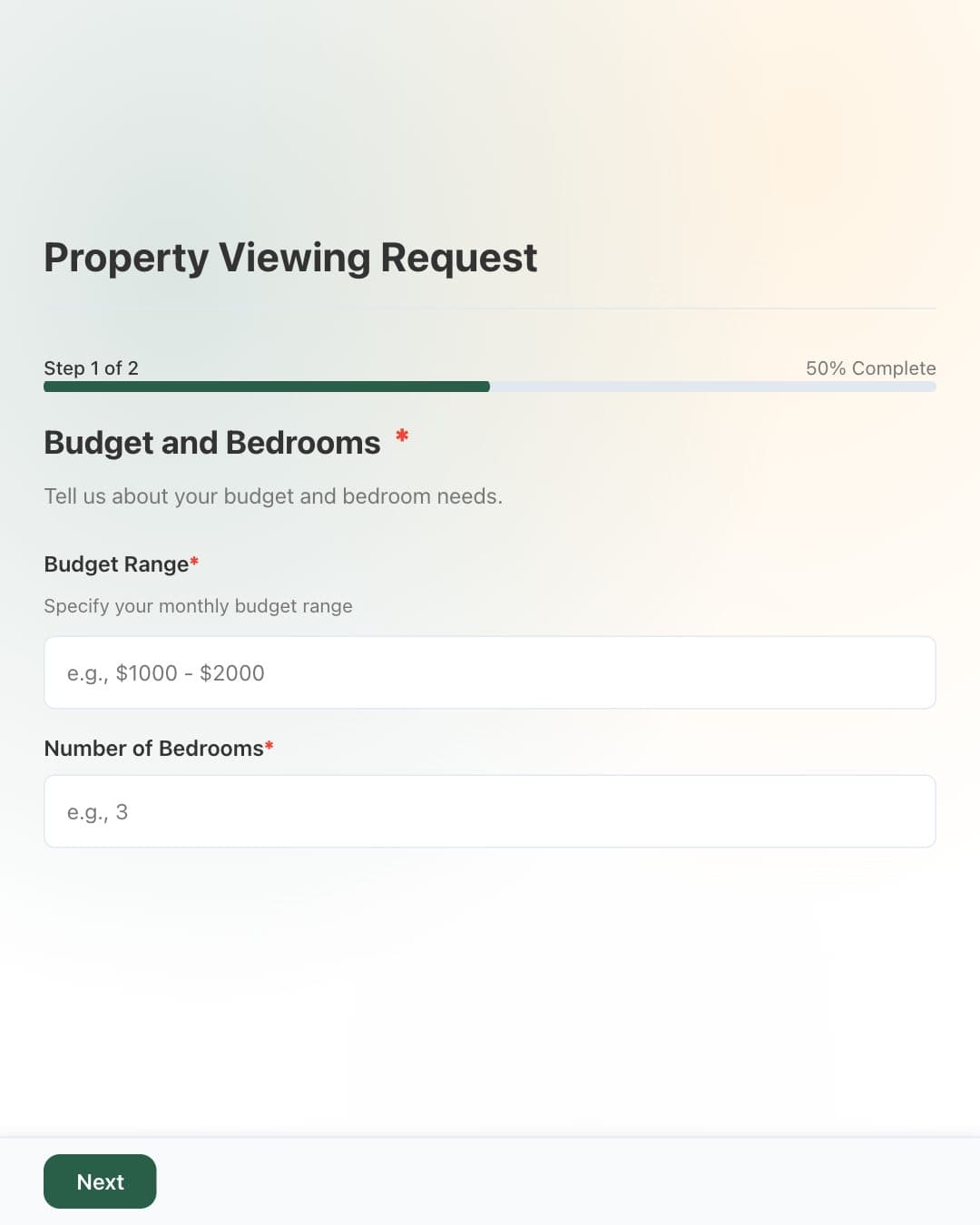
Lead capture 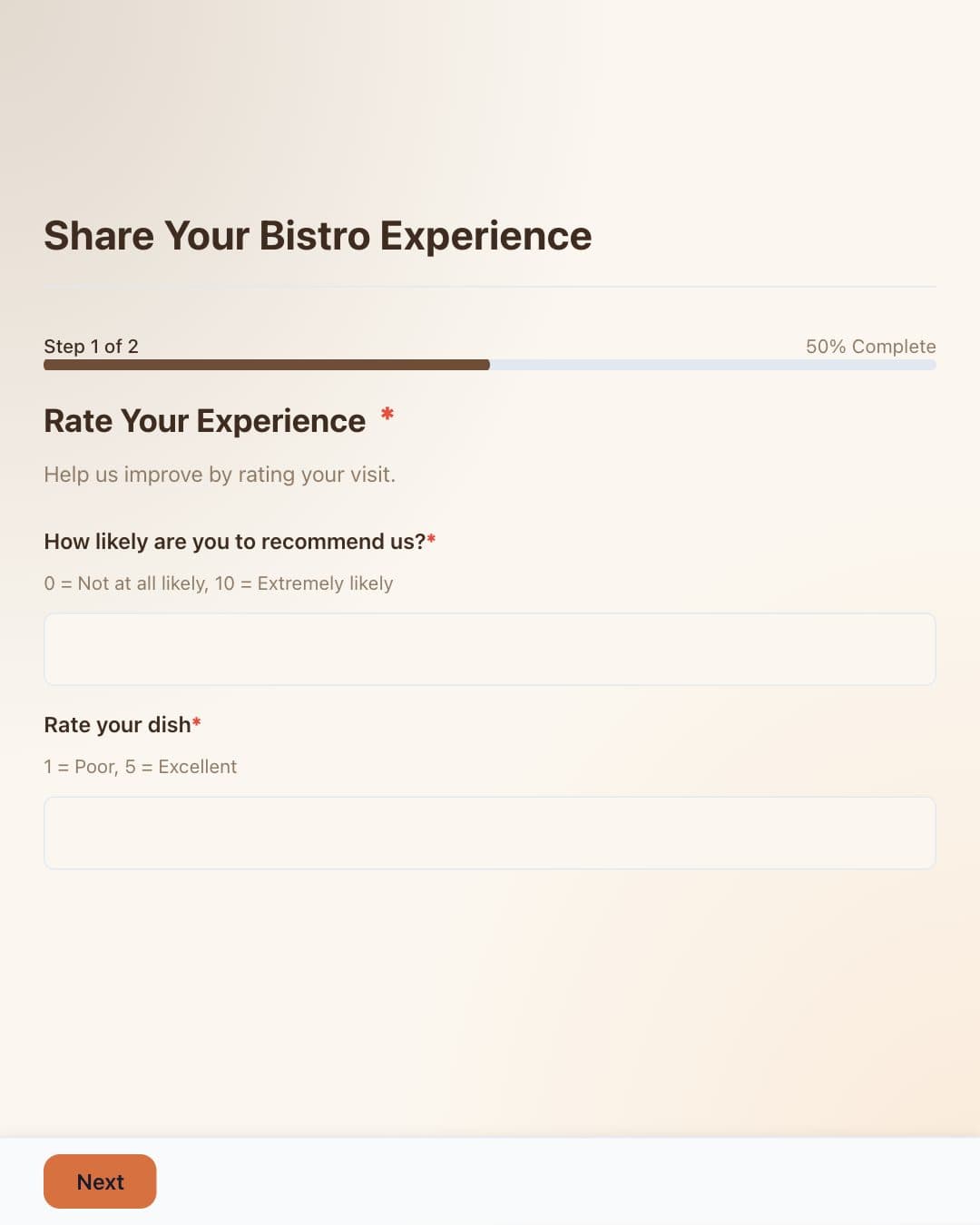
Customer feedback 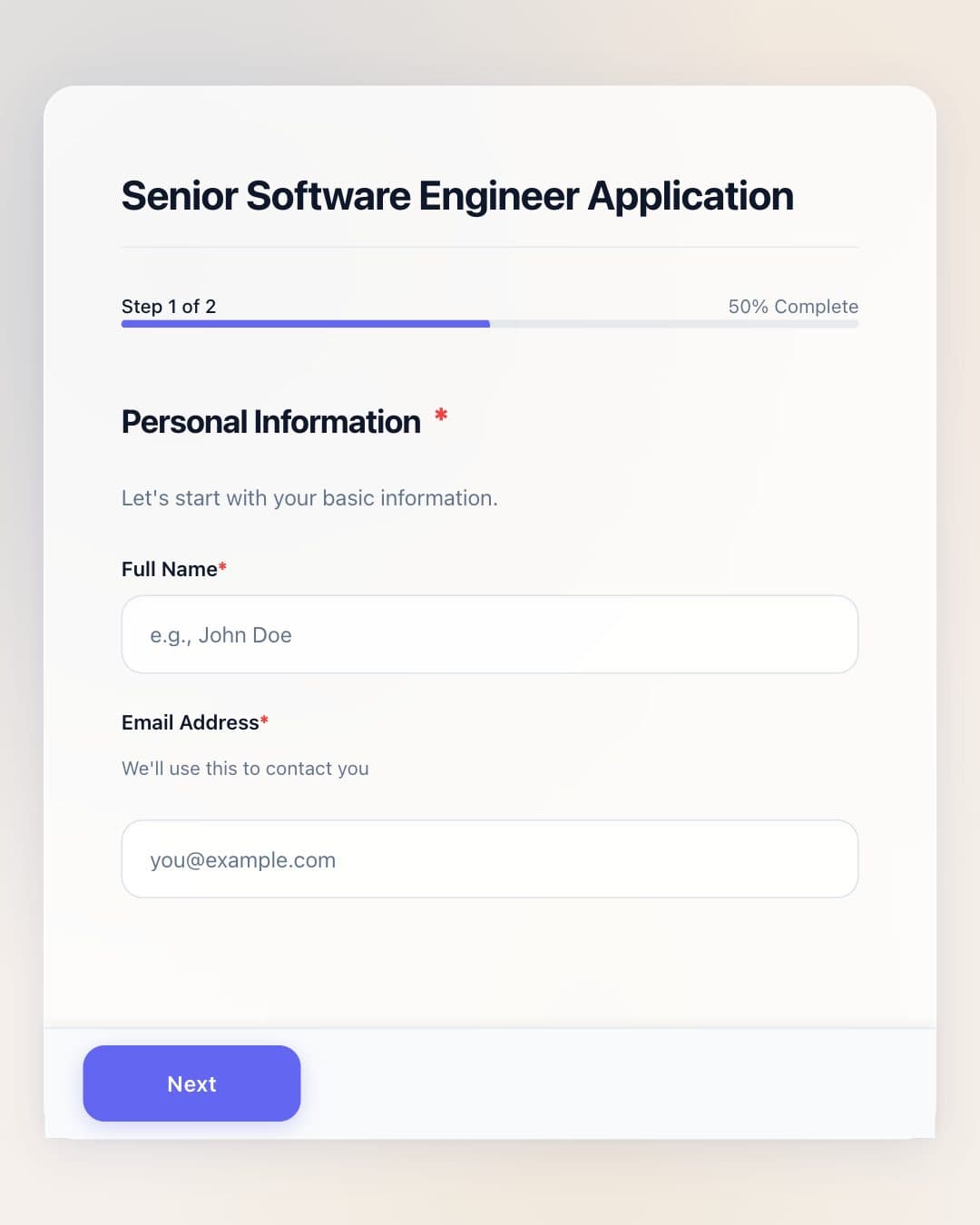
Applications 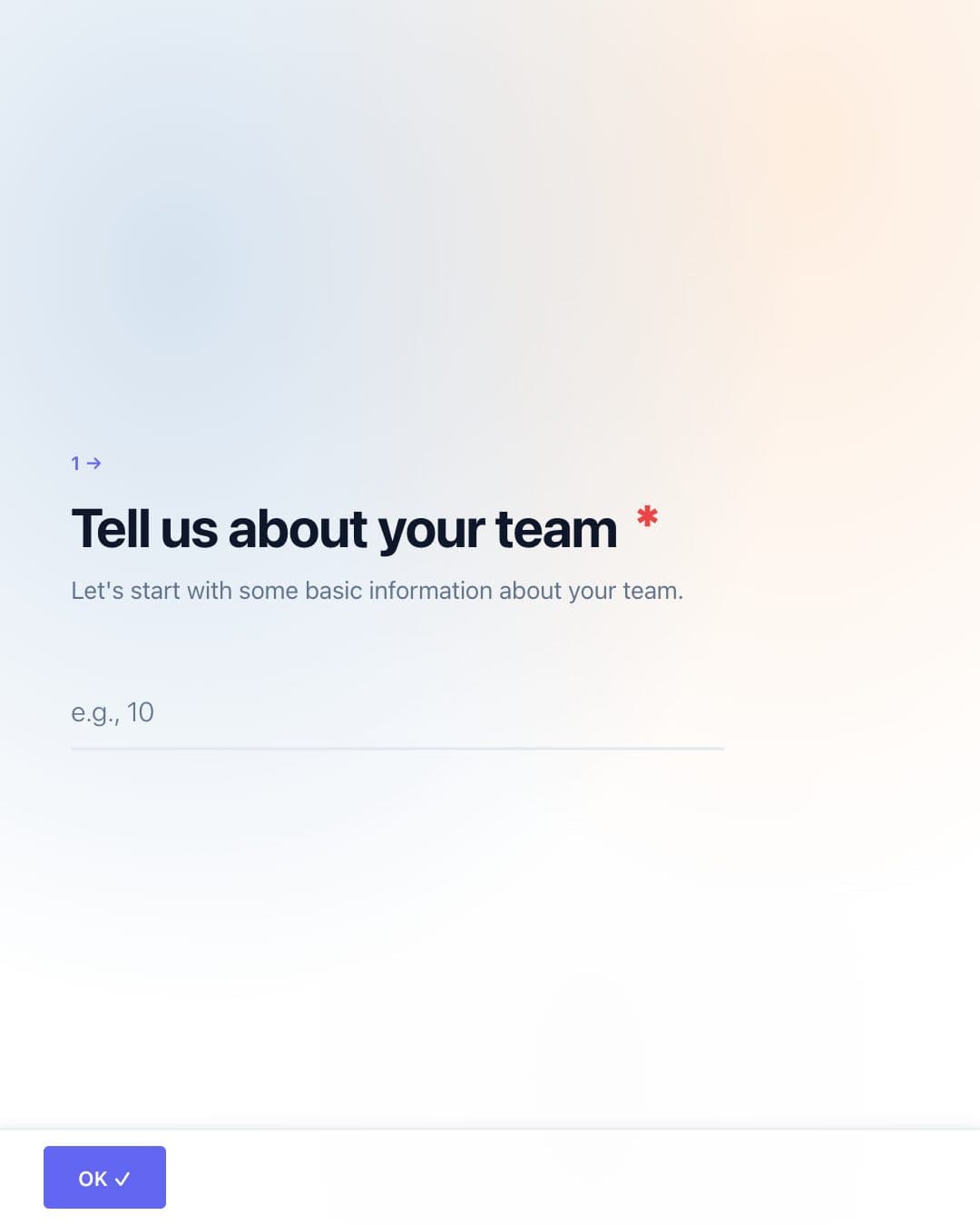
Research 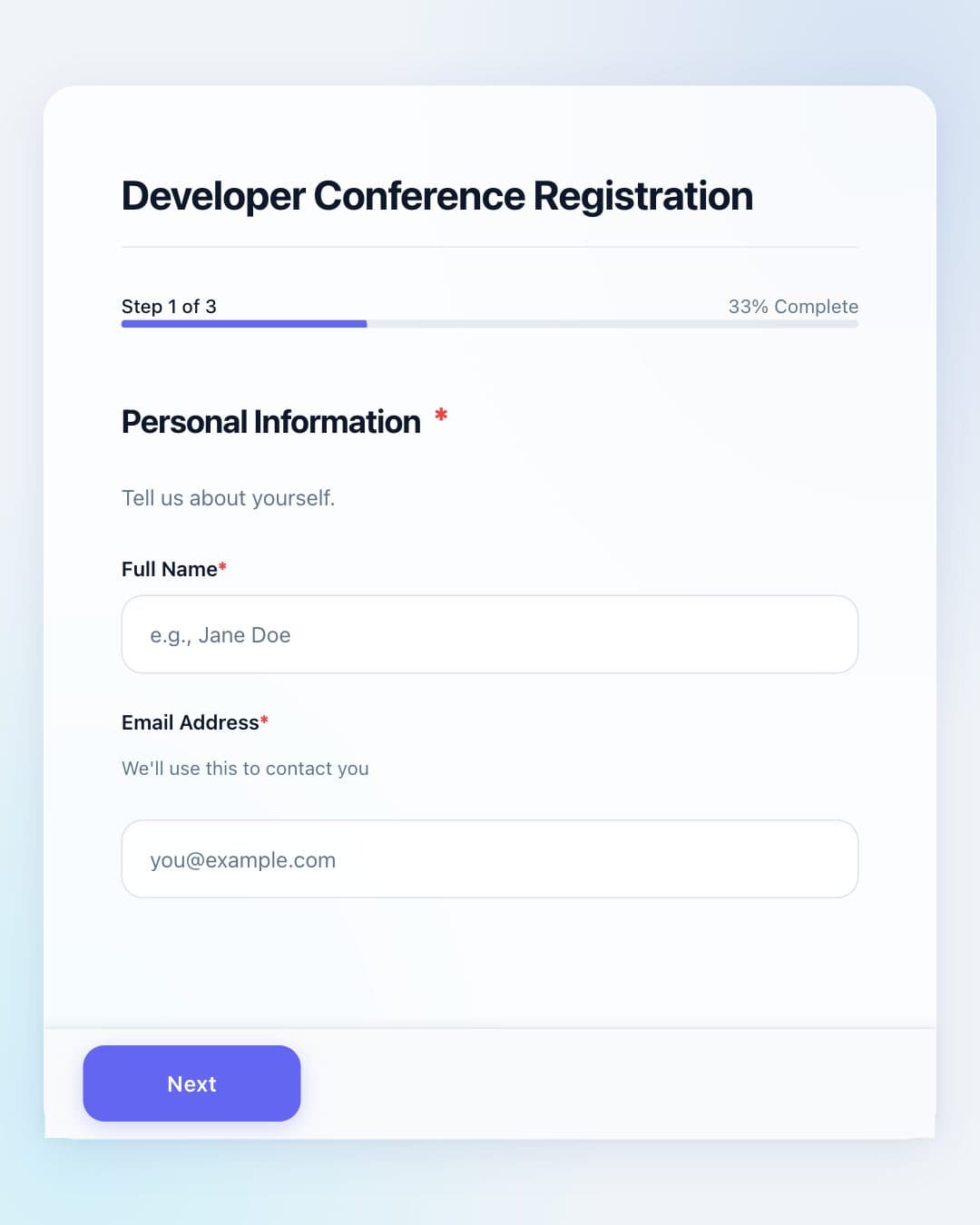
Event signups
The shortest path from blank page to responses.
Describe
Start with plain English instead of dragging fields onto an empty canvas.
Make it yours
Refine the questions, logic, colors, type, and imagery without touching code.
Launch
Share a link, add an embed, or print a QR code. Start collecting immediately.
Less form fatigue. More useful answers.
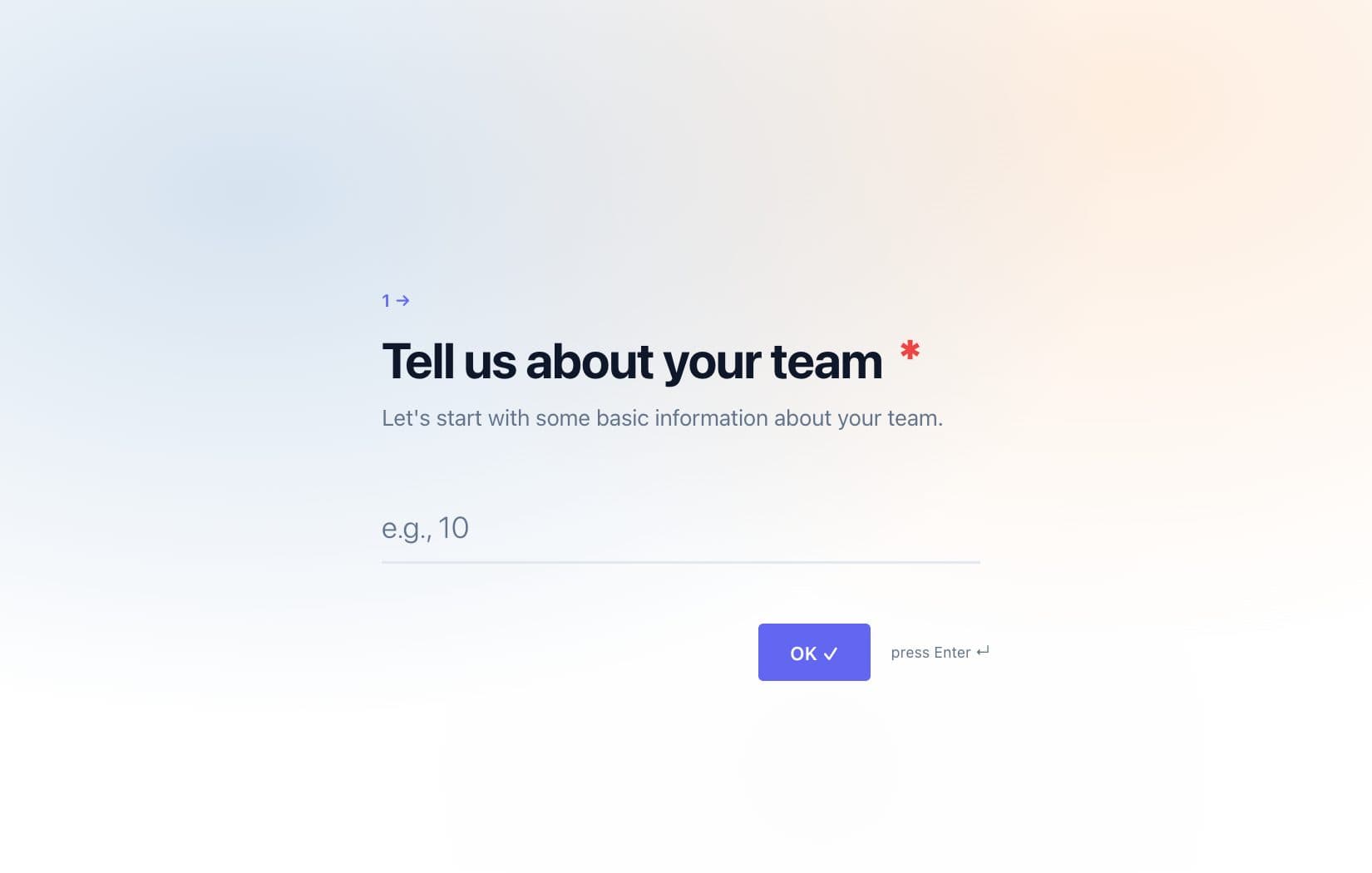
One question at a time
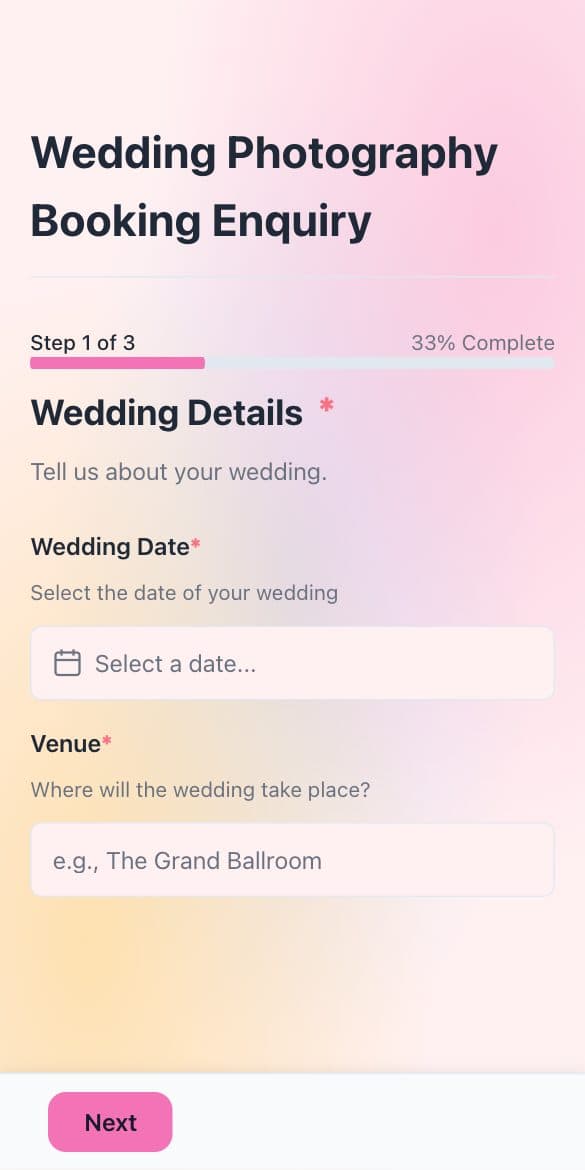
Mobile-first layouts
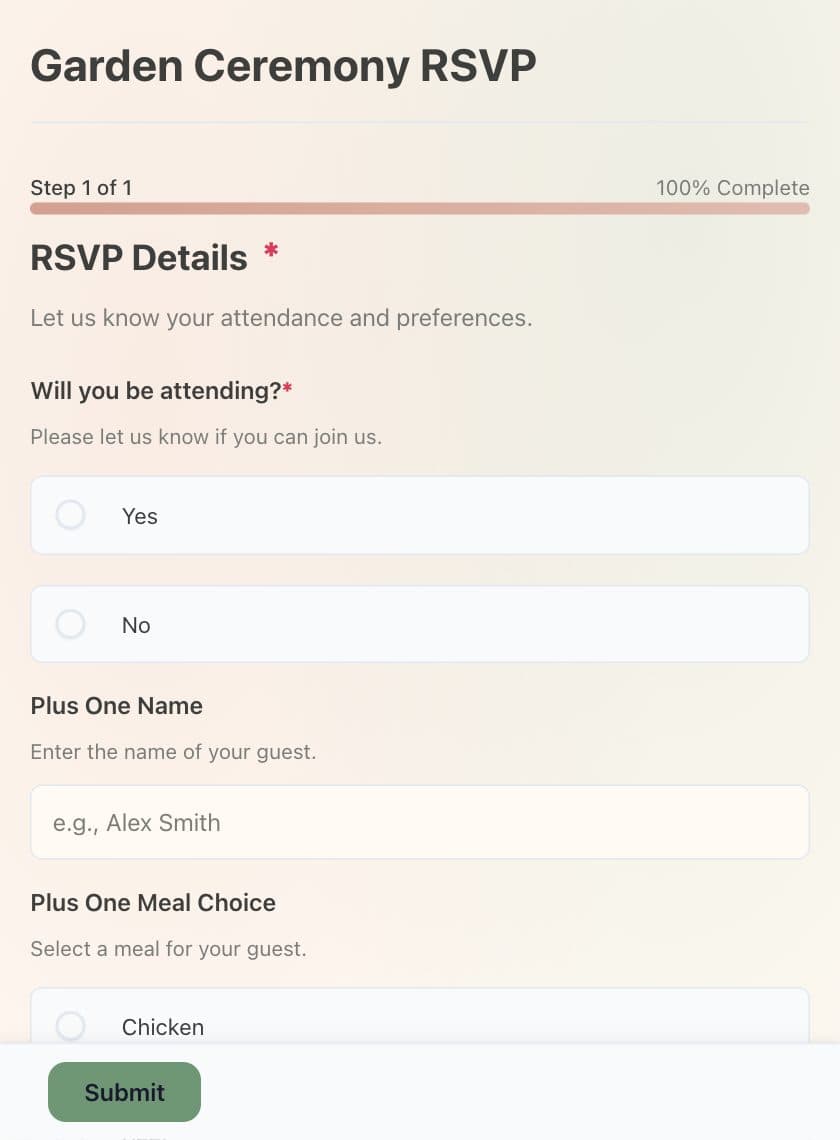
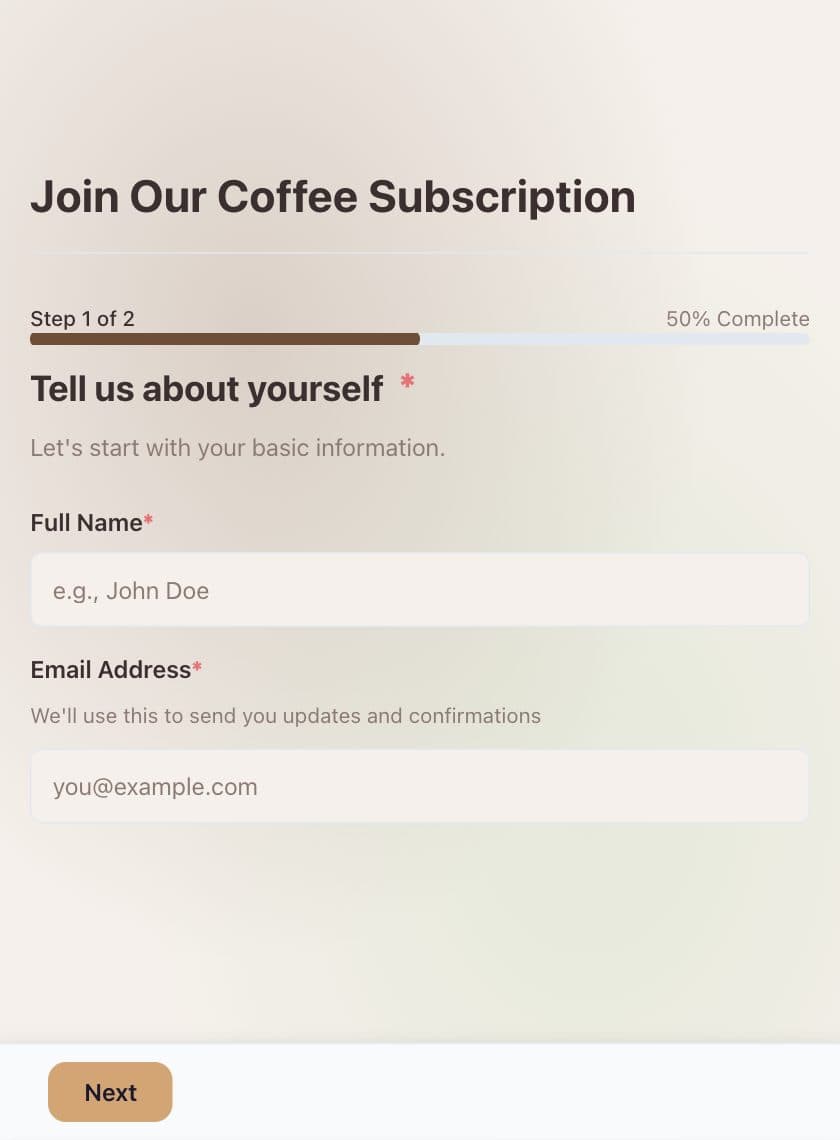
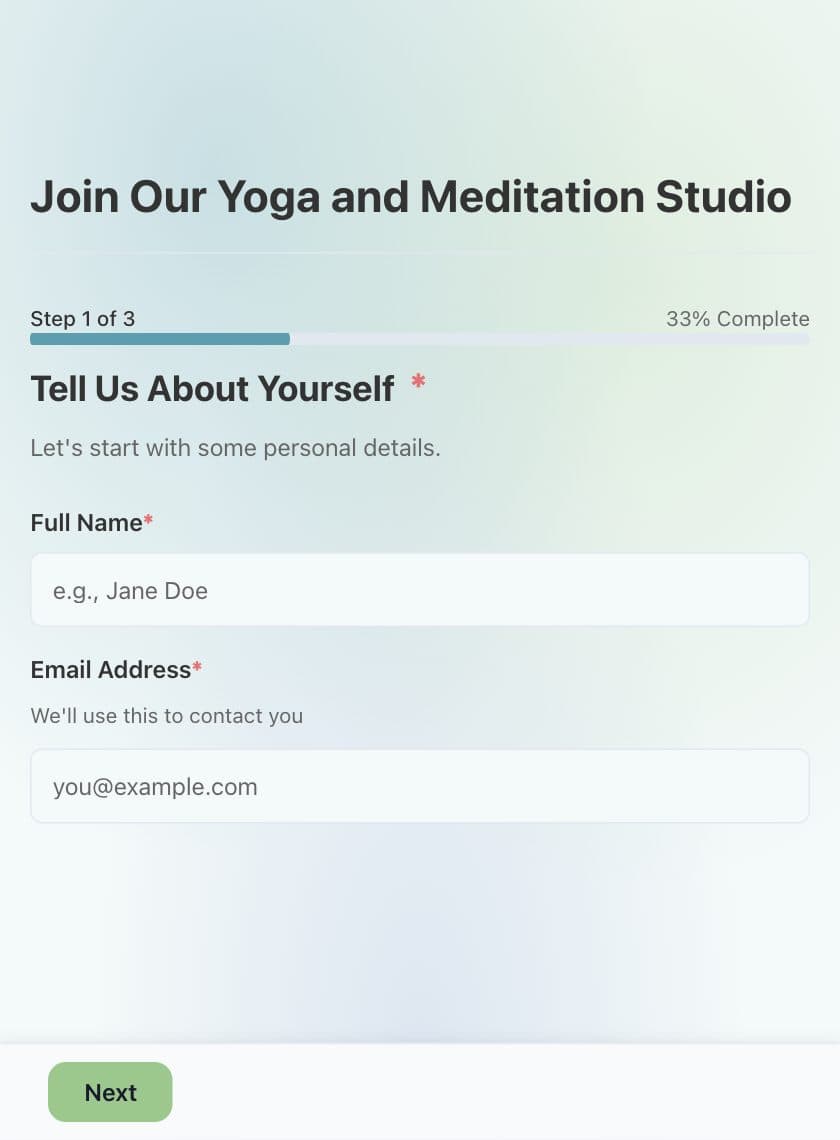
Custom branding
Conditional logic
Real-time analytics
AI assistant ready
Questions, answered.
Do I need to know how to code?
No. Describe the form you need in plain language, then edit the generated questions, design, and settings visually.
Can I make the form match my brand?
Yes. You can customize colors, typography, imagery, and the overall look before you publish.
How can I share a form?
Publish it as a link, embed it on your website, or share it with a QR code. Every form is designed to work on mobile.
Can I see responses and performance?
Yes. Responses and real-time analytics live in your dashboard, so you can see how each form is performing.